
Table of Contents
Most small businesses don’t realize how much visibility they’re missing in search results—not because of their content or competitors, but because search engines don’t fully understand their website. Schema markup changes that instantly. It gives Google the clarity it needs to trust your business, rank your pages higher, and show rich details directly in search results.
This is your wake-up moment: if your business isn’t using schema markup, you’re already behind. Every day that passes without structured data is a day competitors claim more visibility, more clicks, and more customers. Implementing schema markup isn’t optional anymore – it’s a strategic advantage that modern businesses can’t afford to ignore.
Why Schema Markup Matters for Local SEO
Google wants to deliver the most accurate information possible to users, especially when it comes to local businesses. Without schema, Google makes assumptions. With schema, Google receives clarity. That clarity becomes authority, and authority becomes ranking power.
Schema markup helps Google understand:
What your business does
Where your business is located
Your service areas
Your reviews
Your operating hours
Your prices and offerings
This structured information increases search visibility and trust. But more importantly, it activates internal urgency when customers see enhanced search features—stars, pricing, FAQs, photos, and more. When your listing looks more informative and polished than your competitors, users feel safer choosing you.
Schema also improves click-through rates because your search result stands out visually. Curiosity kicks in. Users want to see what else your business offers, and that desire leads them straight to your website.
Types of Schema Every Local Business Should Use
Most businesses use only the bare minimum of SEO tools, missing out on major ranking advantages. Schema markup gives you a competitive edge—even if your competitors have more content or backlinks.
Business Information Schema
At a minimum, every local business should use LocalBusiness schema. This communicates your:
Name
Address
Phone number
Hours of operation
Service categories
Logo and photos
This type of schema establishes immediate trust. Google sees your business as legitimate and reliable, which increases ranking confidence.
Review & Rating Schema
Reviews influence both SEO and buying psychology. When users see a star rating directly in search results, the emotional impact is immediate:
It triggers desire (“I want to work with a proven business.”)
It reduces risk (“Others trust them, so I can too.”)
It increases curiosity (“What are customers saying?”)
Review schema helps showcase these elements before users even click.
FAQ Schema
FAQ schema gives you more real estate in search results. By adding common questions and answers, you:
Increase your search footprint
Reduce customer uncertainty
Improve perceived authority
Increase CTR by 20–30%
This aligns directly with Google’s E-E-A-T principles by demonstrating expertise and trust.
Service Schema
Service schema allows you to highlight specific offerings with detailed descriptions, pricing, and features. This helps Google match your business with high-intent local searches.
Imagine showing up for searches like:
“Website designer near me”
“SEO services in Jacksonville”
“PPC management for small business”
Schema makes it easier for Google to pair your business with these precise searchers.
How Schema Creates a Competitive Advantage
In competitive markets, small ranking differences can change everything. Schema markup gives businesses an instant advantage by offering Google structured, authoritative information it can trust.
It also enhances user psychology. When your business appears with enriched search features, your listing feels:
More established
More credible
More professional
More complete
This taps into the buyer’s internal urgency: “This business looks like the safest choice.”
Curiosity also increases because users want to know why your listing looks more detailed than the rest. That curiosity leads directly to higher click-through rates, which further boosts rankings.
Rich Results and User Trust
Schema can trigger rich results such as:
Reviews
Price ranges
FAQs
Product features
Event listings
Breadcrumbs
These elements make your listing dramatically more appealing. And because customers see your expertise before they reach your site, they enter with higher trust and stronger intent.
Google’s Own Guidance Supports Schema
Google repeatedly emphasizes structured data as a best practice for clarity and relevance. For authoritative information on schema standards, see the Schema.org project, a collaborative organization recommended by search engines including Google.
When Google has better data, your business gets better visibility—period.
How to Implement Schema Markup Quickly
You don’t need to be a developer to add schema. Several simple tools allow you to generate and install structured data in minutes.
Step 1: Choose Your Schema Type
Select from:
LocalBusiness
Service
FAQ
Review
Person (for personal brands)
Organization
Step 2: Generate Your Schema
Use tools like:
Google’s Structured Data Markup Helper
Schema Markup Generator tools
WordPress schema plugins
Step 3: Add Schema to Your Website
You can insert schema:
Directly into your site’s header
Via your SEO plugin
Through a schema-specific plugin
Step 4: Test Your Schema
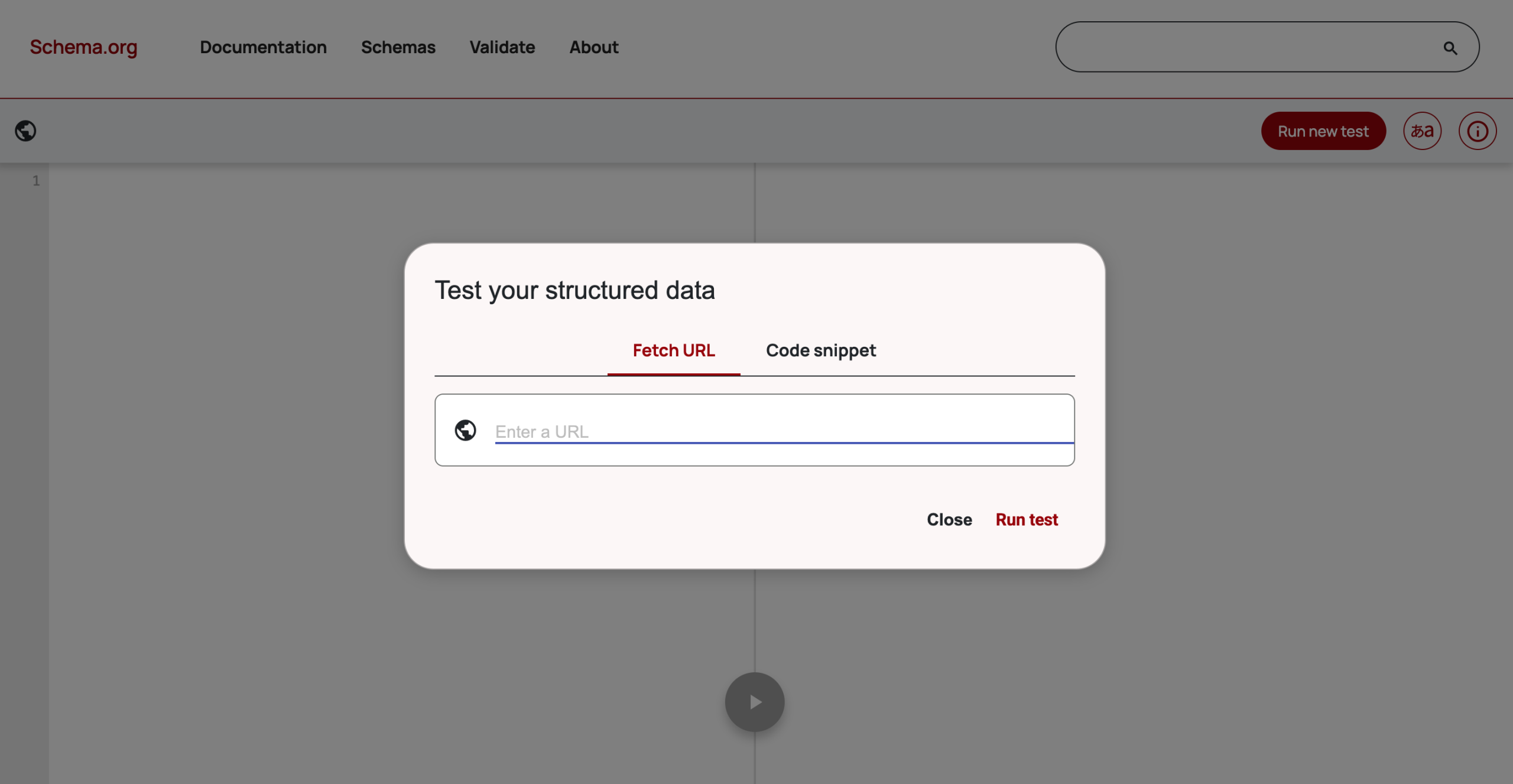
Use Google’s Rich Results Test to ensure your markup is valid.
Once published, schema works instantly—improving visibility, trust, and search performance.
FAQ
How long does it take for schema markup to impact rankings?
Is schema markup required for SEO?
Can schema help my business appear in rich results?
Do I need a developer to add schema?
What if I choose the wrong schema type?